What Size Photos Should I Upload?
Stay & CoWorking Space Pictures
All Stay images should be in Landscape format at least 1920 pixels x 1080 pixels in jpg format.
- Landscape
- Larger than 1920px (wide) x 1080px (high)
- jpg format
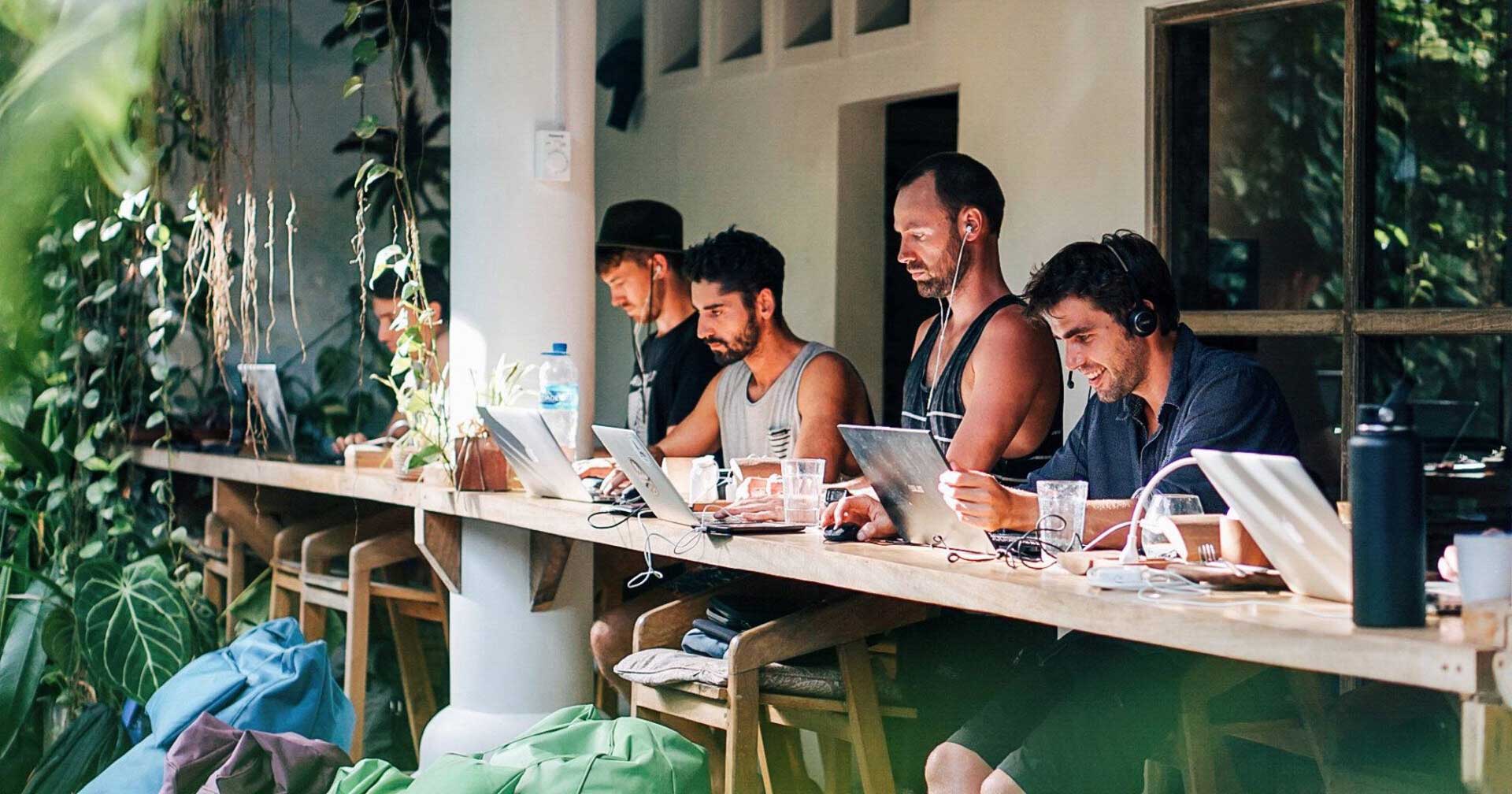
1920 x 1080px is a common size on the internet that follows the 16 x 9 dimensions that most cameras take photos at. (The width of the photo is 16 times wide and the height 9 times high. Which also means the height is 9/16 = 56.25% of the width)
Why Landscape Orientation?
Landscape mode describes photos that are wider than they are higher.
Despite the general internet myth that its all users today use ‘mobile phones’ the facts and our data show that laptops are a lot more common.
- Purchasing travel products tends to be one of the more complex purchases that people make. Its a purchase that needs a lot of detail for a user to consider. (Locations, Dates, Facilities etc. We see 150 different data points per Stay being quite common). Larger screens like laptops make viewing more data on a single screen much easier with less scrolling and the need to remember details.
- As most digital nomads work on laptops, sometimes with larger screens attached, they are more commonly using landscape style screens. Screens that are wider than higher.
Typically websites look better on these wider screens when photos are also wider, landscape, images rather than the portrait mode more commonly found on mobile phones.
Why so large?
Actually, 1920px x 1080px isn’t that large by today’s standards.
For comparison many modern smartphone cameras take photos that are 4,000 x 3000px or larger.
The reason we use this minimum size is that most digital nomads work on their computers, rather than smaller phones, and so are looking at larger versions of the pages. Plus many Stays that are targeting digital nomads are installing large, external, 4K monitors for nomads to plug their laptops into.
When displayed on laptops and large screens any small photos look really low quality. They become pixelated which means each photo pixel is large and imprecise. So we make a compromise and accept pictures that are 1920 x 1080px that look ‘reasonable’ but not great on laptops and larger screens.
What Happens If I Upload a Portrait Image?
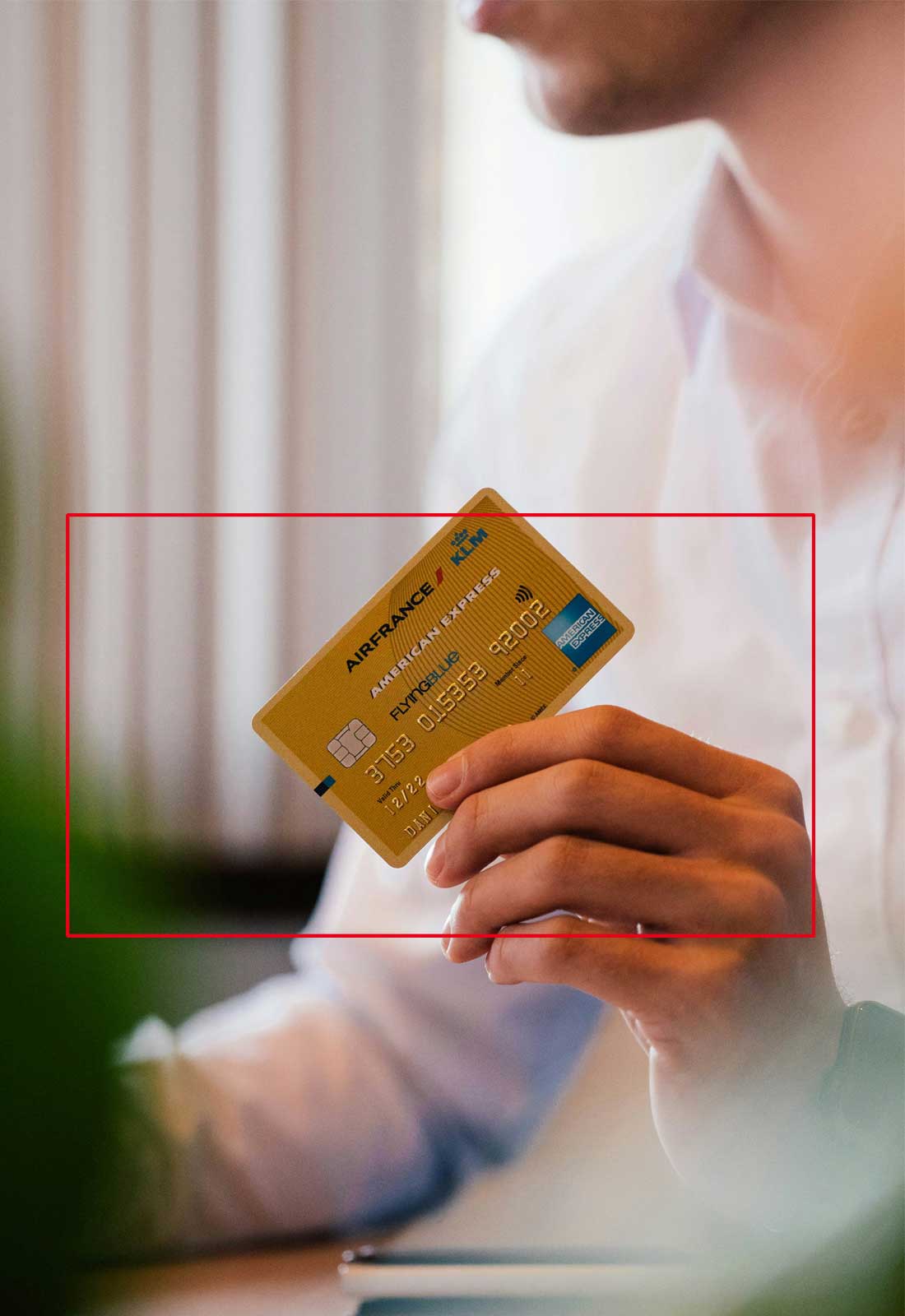
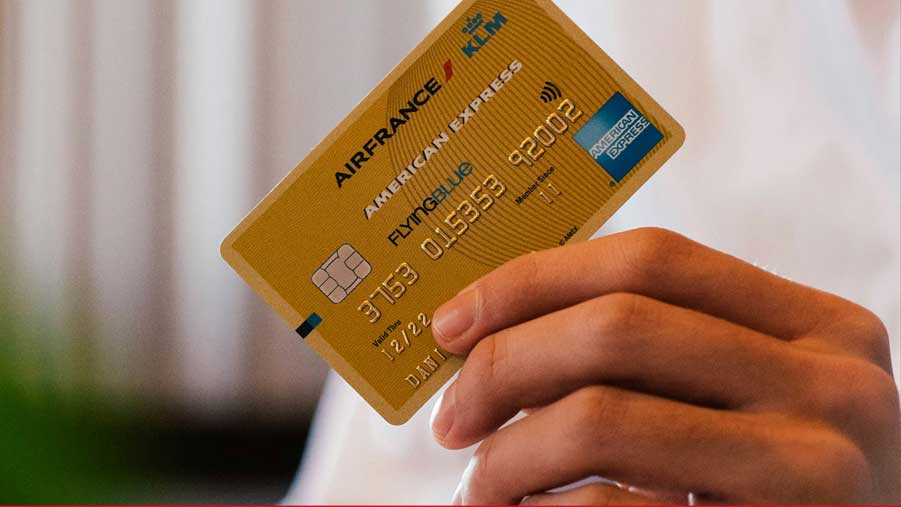
If you upload a Portrait oriented image (tall picture) then our AI and Image Processing software will crop it into a Landscape format (wider) that follows the 16 x 9 landscape ratio rules.
In this example below the hand and card seen in the red box will be resulting image. The face and anything outside the red box will be ignored.
 |
 |
|
Original |
Result |
Cool Online Tools
Target size = 1920 x 1080 pixels or larger
Here’s a few online tools that might help you resize your pictures.
- Check the size of your photos: https://www.posterburner.com/Image-Size-Finder.aspx
- Resize your photos :
-
https://spark.adobe.com/tools/image-resize/
-
Choose custom
-
Signin required
-
Host Pictures
Your Host images however are in Portrait format (taller) 1080 x 1350px, again in jpg format
- Portrait
- 1080 x 1350px
- jpg
Again its a common 8 x10 format most people are familiar with for portraits of people. Our AI and image technology will display your landscape images in portrait view. We typically show these host images in a narrow, right hand column alongside the main screen area. This column is more aligned with taller images.
Common Smartphone Photos Formats
Smartphones today take higher quality images that are much larger than these sizes. The large sizes are OK but the format is often different on a smartphone so some cropping is required to get to the 16×9 ratio.
Photo File Formats
Use jpg image formats.
Basically jpegs/jpgs are great for the internet as they load quickly. This is because they have an inbuilt compression capability. If your images take too long to load then potential customers will leave and go somewhere else. So jpegs are great.
Webp
Webp image formats are not fully accepted yet. Sadly, its only become a standard format in the past few years and many older browsers and iPhones in particular don’t support it.
Sending Large Images
If you need to send us your original photos then we’d suggest you use one of the free large-file transfer programs.
For example
https://wetransfer.com/