1. Log in to your account via www.nomadstays.com/Your-Stays.
2. Go to your dashboard by clicking on the button with your name on the top right of the site.
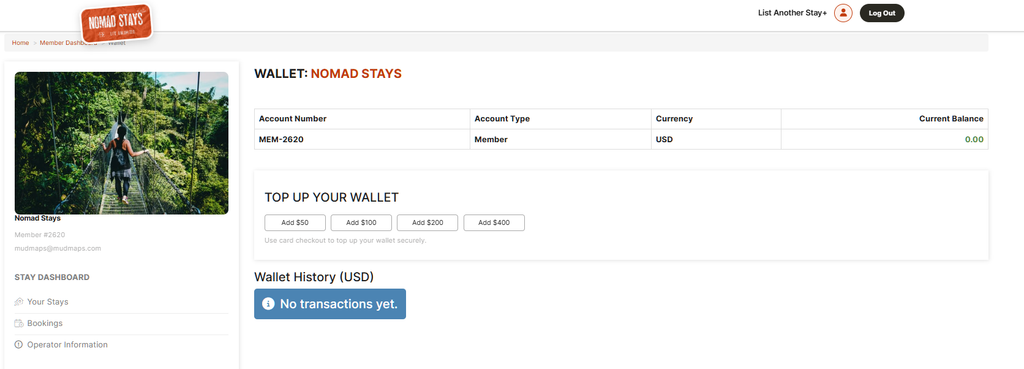
3. Scroll down until you find the Wallet menu item on the left and click on it. https://www.nomadstays.com/memberadmin/wallet-members
4. Go to the Top Up your Wallet area and choose one of the preconfigured amounts.
5. Enter your card details and make the payment.
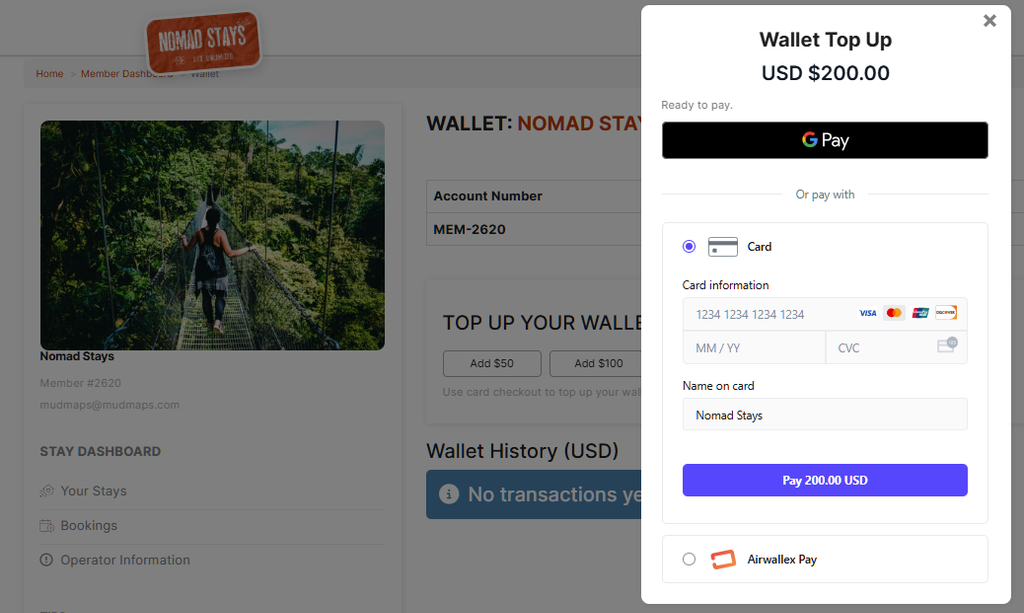
When processed your account will now have credit in it and your StayDirect Stays will be shown live on the site as soon as we’ve finished all the final review steps.